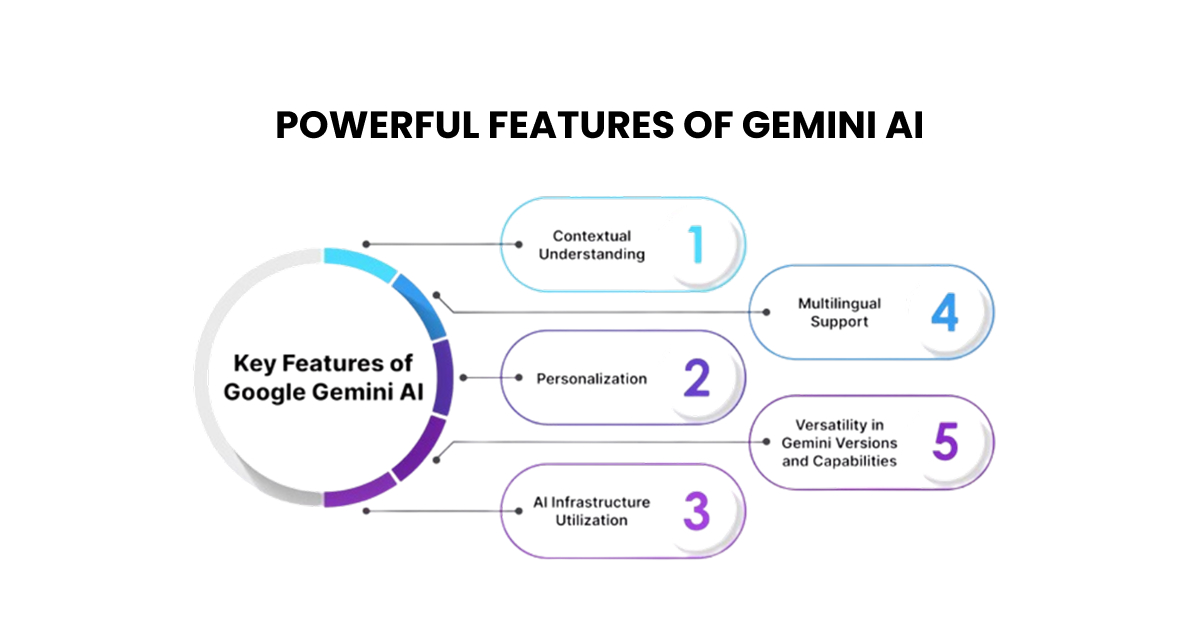
Google’s Gemini AI has quickly become one of the most talked-about tools in the world of artificial intelligence. Whether you’re a student, content creator, developer, or business owner, the features of Gemini AI are built to make your daily work smarter and faster. Let’s break them down, no tech jargon, just plain talk.
If you’re new to this topic, we recommend checking out our previous blog post, “What is Gemini AI and How Does It Work?” It’s a simple and helpful guide to discover Gemini AI.
What Makes Gemini AI Stand Out?
When Google launched Gemini, it wasn’t just another chatbot update. It was a full reimagining of what an AI assistant could do. Unlike earlier models, Gemini was built from the ground up to handle text, images, audio, video, and code all at once. That multimodal foundation is what gives the features of Gemini AI their real edge.
Top 10 Powerful Features of Gemini AI
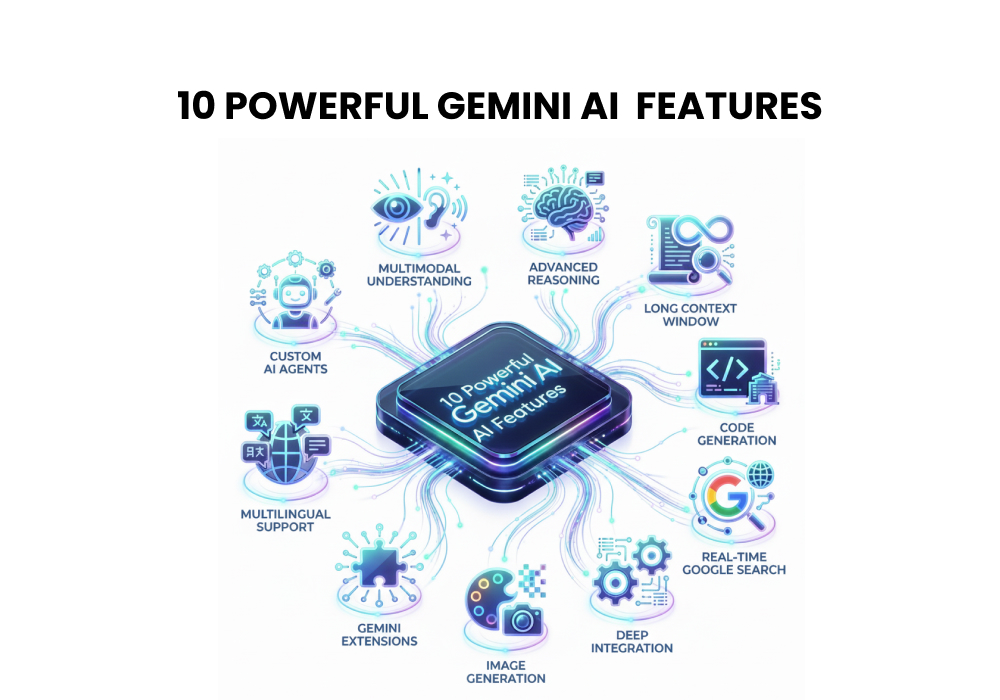
Here are the ten features that every user should know about.
01 Multimodal Understanding:
Gemini can read text, analyze images, process audio, and interpret video in a single conversation. You can upload a photo and ask questions about it, no extra steps needed.
02 Advanced Reasoning:
Need help solving a complex math problem or planning a business strategy? Gemini’s reasoning engine breaks down multi-step problems logically and walks you through each stage clearly.
03 Long Context Window:
Gemini 1.5 Pro introduced a staggering 1 million token context window, meaning it can process an entire book, codebase, or lengthy research report in one go without losing track.
04 Code Generation & Debugging:
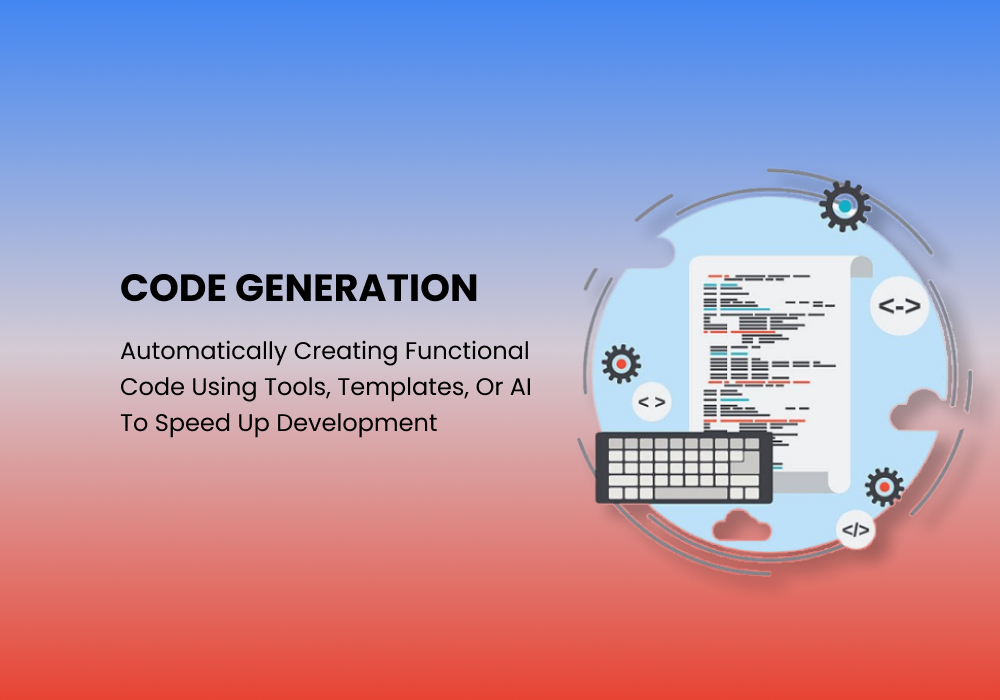
From writing Python scripts to debugging JavaScript errors, Gemini handles coding tasks with accuracy. It explains the code, suggests improvements, and fixes bugs on request.
05 Real-Time Google Search Integration:
Unlike many AI tools with fixed knowledge cutoffs, Gemini taps into live Google Search results. You get answers that reflect today’s information, not data from two years ago.
06 Deep Integration with Google Workspace:
Gemini connects directly with Gmail, Docs, Sheets, Slides, and Meet. You can summarize emails, draft documents, build spreadsheets, and generate presentation slides, all from within your Google apps.
07 Image Generation with Imagen:
Through Google’s Imagen model, Gemini Advanced lets you generate high-quality, photorealistic images from simple text prompts. No design experience required.
08 Gemini Extensions:
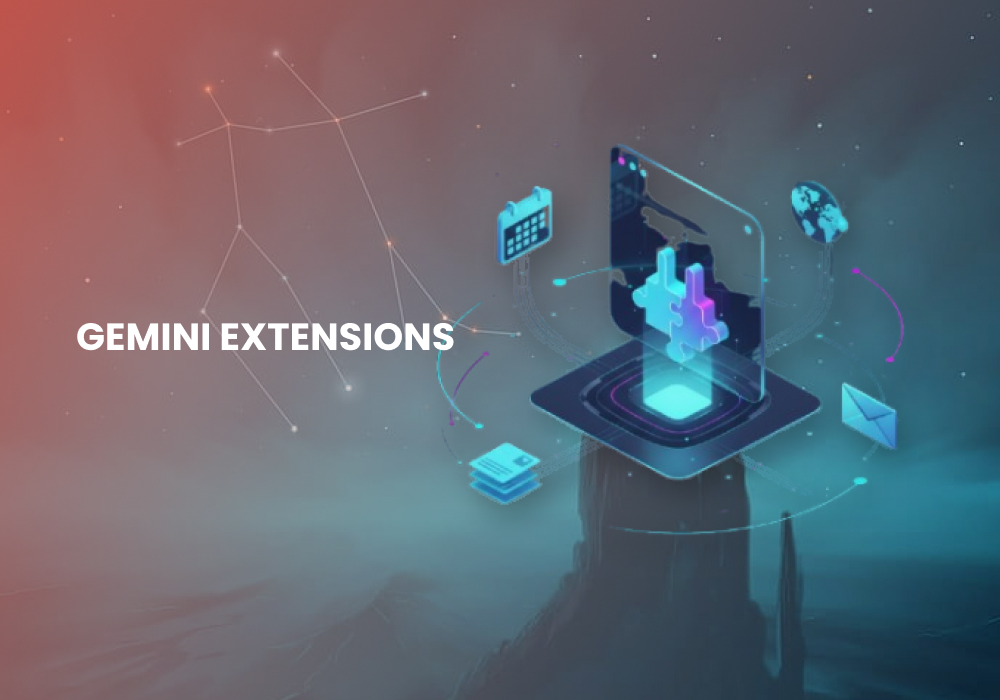
Enable extensions to connect Gemini directly to YouTube, Google Maps, Google Flights, and your personal Google Drive. It becomes a truly personalized assistant, not just a general chatbot.
09 Multilingual Support:
Gemini works fluently across dozens of languages. You can switch languages mid-conversation, translate text, or ask questions in your native language and get accurate, natural responses.
10 Custom AI Agents via Gemini API:
Developers can build their own AI-powered products using the Gemini API. With fine-tuning options and access to Gemini’s core capabilities, creating custom AI agents has never been more approachable.
How Do These Features of Gemini AI Help in Real Life?
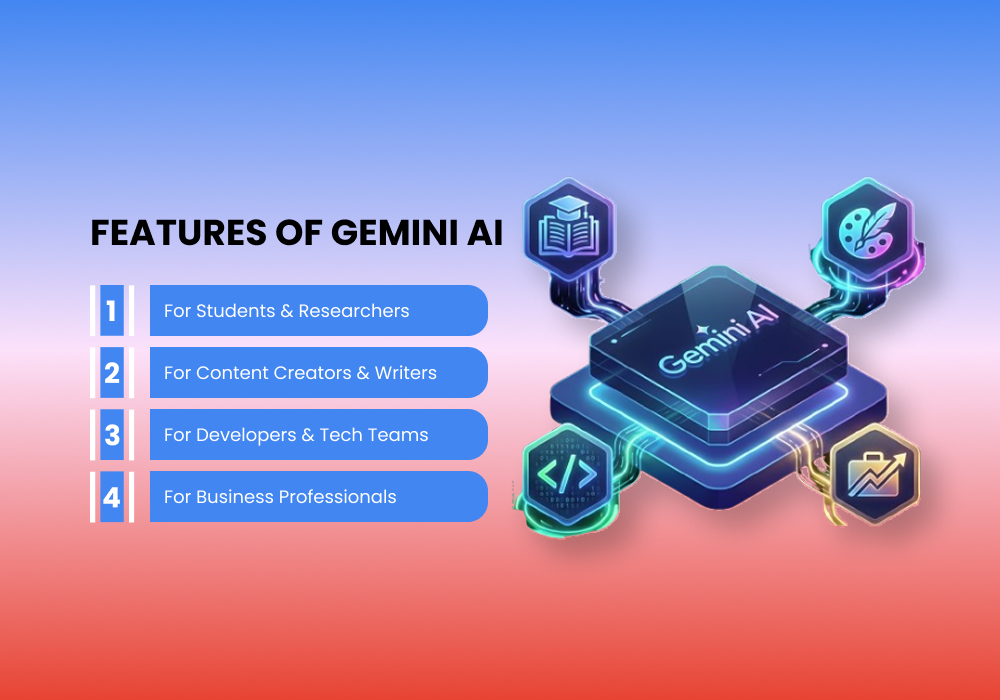
It’s easy to list features, but the real question is: how do they help you? Here’s a quick look at practical use cases:
- For Students & Researchers: The long context window means you can paste an entire research paper and ask Gemini to summarize it, find gaps, or compare it with another source. Real-time search keeps your references current and reliable.
- For Content Creators & Writers: Need blog ideas, social captions, or script outlines? The features of Gemini AI make the brainstorming process genuinely enjoyable. It adapts to your tone and helps you stay consistent across platforms.
- For Developers & Tech Teams: Code generation, testing, and debugging are all handled in one place. Pair that with the Gemini API, and development teams can build AI-powered workflows without heavy infrastructure investments.
- For Business Professionals: From drafting client proposals in Docs to summarizing a thread of 200 emails in Gmail, the Google Workspace integration alone saves hours every week. It’s not just a time-saver, it’s a thought partner.
Which Version of Gemini Is Right for You?
Google offers Gemini in several tiers. The free version gives access to the standard model for everyday tasks. Gemini Advanced (available through Google One AI Premium) unlocks Gemini Ultra, Google’s most capable model, along with image generation, extended context, and full Workspace integration. If you’re serious about using the full range of features of Gemini AI, the Advanced plan is worth considering.
Frequently Asked Questions
Is Gemini AI free to use?
Yes. The standard version of Gemini is free. Gemini Advanced, which includes more powerful features and Google Workspace integration, requires a Google One AI Premium subscription.
What makes Gemini different from ChatGPT?
Gemini is natively multimodal, meaning it was built from the start to handle text, images, audio, and video together. It also integrates directly with Google’s ecosystem, Search, Gmail, Docs, and Maps — which ChatGPT doesn’t do natively.
Can Gemini AI generate images?
Yes. Gemini Advanced includes image generation powered by Google’s Imagen model. You can create photorealistic visuals directly from text prompts within the Gemini interface.
How large is Gemini’s context window?
Gemini 1.5 Pro supports up to 1 million tokens in its context window, one of the largest available in any AI model today. This allows it to process very long documents, entire codebases, or hours of audio at once.
Is Gemini safe and private to use?
Google applies safety filters and privacy protections to Gemini. For Workspace users, data handling follows Google’s enterprise privacy policies. It’s always good practice to avoid sharing sensitive personal data with any AI tool.
Conclusion
Gemini AI is not just a tool; it’s a genuine shift in how we approach everyday tasks. From understanding images and writing code to searching the web in real time and integrating with the apps you already use, the features of Gemini AI cover a wide range of real-world needs.
Whether you’re just getting started or looking to get more out of your workflow, there’s something here for everyone. The best part? It keeps getting better. Now is a great time to explore what Gemini can do for you. Explore More on Blog Academy.