Artificial intelligence is transforming how we learn, work, and create. For students and beginners looking to explore AI without breaking the bank, there are numerous powerful tools available at no cost. This guide explores the best free artificial intelligence tools that can enhance your productivity and learning experience.
Why Students Need Artificial Intelligence Tools Today?
In today’s digital age, understanding and utilizing AI has become essential. Whether you’re writing essays, creating presentations, or learning to code, free artificial intelligence tools can significantly streamline your workflow. These tools not only save time but also introduce you to cutting-edge technology that’s shaping various industries.
Top Free Artificial Intelligence Tools for Students’ Learning and Productivity
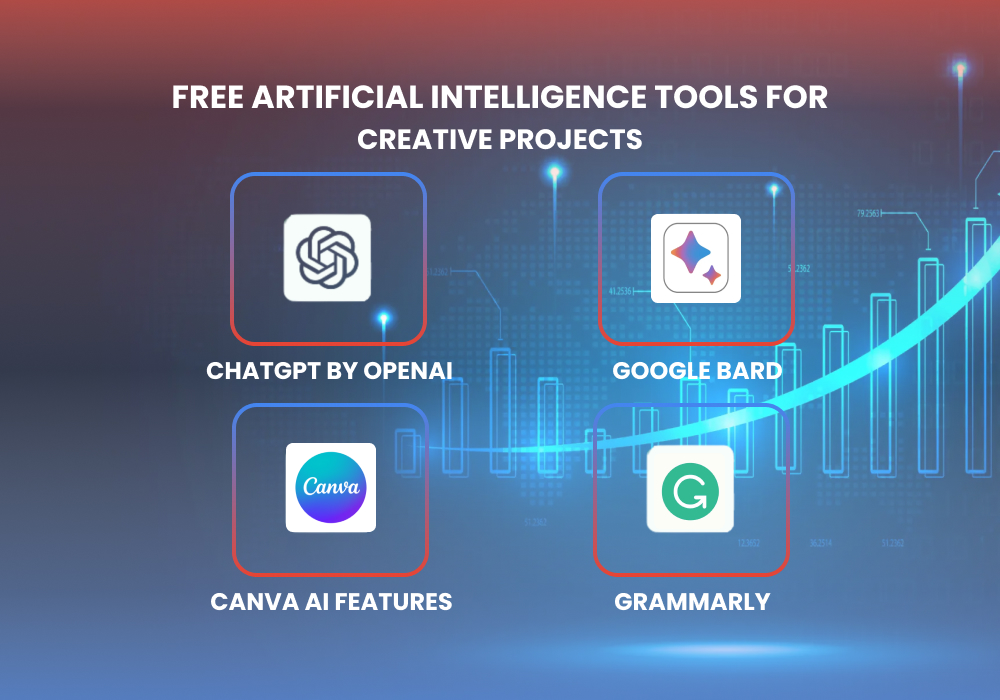
ChatGPT by OpenAI
ChatGPT stands out as one of the most versatile free artificial intelligence tools available. Students can use it for brainstorming ideas, explaining complex concepts, debugging code, and even practicing language skills. The free tier provides substantial daily usage, making it perfect for everyday learning tasks.
Google Bard
Google’s AI assistant offers seamless integration with Google’s ecosystem. It excels at research tasks, summarizing information, and providing up-to-date answers. For students already using Google Workspace, Bard becomes an invaluable companion for academic projects.
Canva AI Features
Canva’s free plan includes several AI-powered design tools. Students can generate images, remove backgrounds, and create professional presentations with AI assistance. The Magic Write feature helps draft content directly within your designs, perfect for school projects and assignments.
Grammarly
While primarily known as a writing assistant, Grammarly uses advanced AI to improve your writing quality. The free version checks spelling, grammar, and basic style issues, essential for students working on essays and reports.
Free Artificial Intelligence Tools for Creative Projects
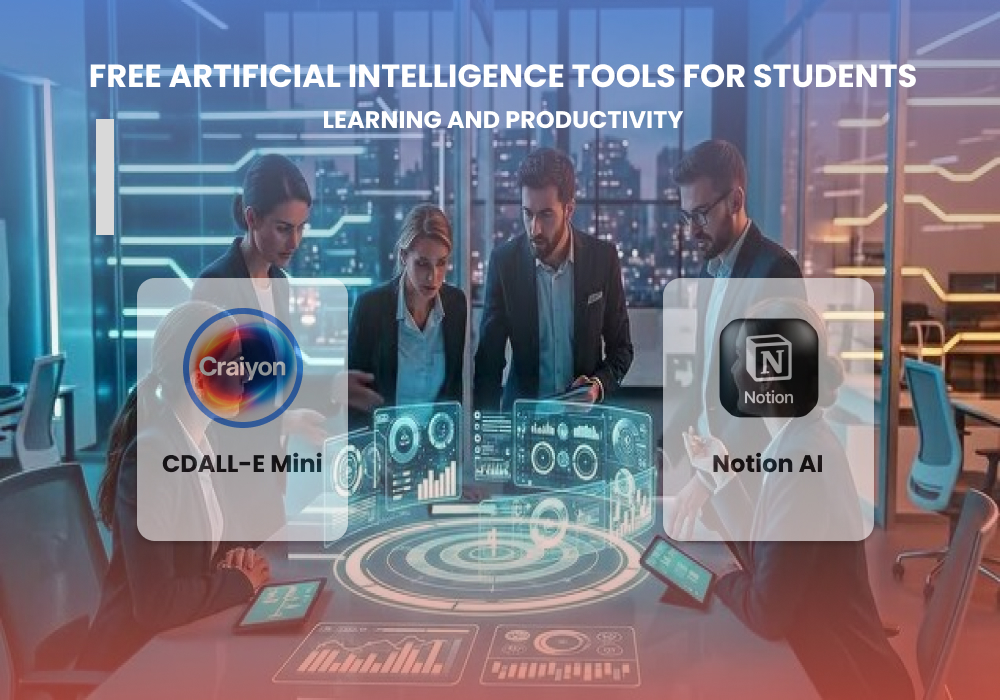
DALL-E Mini (Craiyon)
This image generation tool lets beginners experiment with AI art creation. Simply describe what you want to see, and the AI generates unique images. It’s perfect for presentations, creative projects, or just exploring how AI interprets text.
Notion AI
Notion’s free plan now includes limited AI features. Students can use it to organize notes, generate summaries, and manage their study schedules more efficiently. The combination of note-taking and AI assistance makes it ideal for academic life.
How to Get Started with Free Artificial Intelligence Tools
Beginning your AI journey doesn’t require technical expertise. Start by identifying your specific needs, whether it’s writing assistance, research help, or creative design.
Then choose one or two tools from this list and explore their capabilities. Most free artificial intelligence tools offer tutorials and guides to help beginners get started quickly.
Remember to verify AI-generated information, especially for academic work. These tools are assistants, not replacements for critical thinking and original research. Use them to enhance your learning process, not to bypass it.
Maximizing Your AI Learning Experience
To get the most from these tools, practice regularly and experiment with different prompts and approaches. Join online communities where students share tips and discoveries about AI tools.
Many platforms also offer free courses on AI fundamentals, helping you understand the technology behind these amazing tools.
As AI continues to evolve, new free tools emerge regularly. Stay curious and keep exploring. The skills you develop today with free artificial intelligence tools will serve you well in tomorrow’s AI-driven world.
Frequently Asked Questions
Q: Are free AI tools safe for students to use?
A: Yes, reputable free AI tools from established companies like Google, OpenAI, and Canva are safe. Always use official websites and avoid sharing sensitive personal information.
Q: Can I use AI tools for homework and assignments?
A: You can use AI tools for brainstorming, research, and editing, but always follow your school’s academic integrity policies. Use AI as a learning aid, not for cheating.
Q: Do free AI tools have limitations compared to paid versions?
A: Free versions typically have usage limits, fewer features, or slower processing. However, they’re usually sufficient for students’ basic needs and learning purposes.
Q: Which AI tool is best for beginners with no technical background?
A: ChatGPT and Canva are excellent starting points; both have intuitive interfaces and don’t require any coding knowledge or technical skills.
Q: Will these free tools remain free forever?
A: While companies may change their pricing models, most maintain free tiers to attract users. However, it’s wise to learn multiple tools, so you’re not dependent on just one.
Ready to supercharge your learning journey? Start exploring these free artificial intelligence tools today and discover how AI can transform your academic success. Visit BlogAcademy.tech for more educational technology guides and tutorials.